
Playing Resonance of Fate on the Steam Deck: Performance, Setup, and Compatibility
This guide covers everything you need to know about setting up and running Resonance of Fate on your Steam Deck, including performance expectations.
Resonance of Fate (released on modern platforms as Resonance of Fate™/End of Eternity™ 4K/HD Edition) offers a distinct tactical combat experience, unique world-building, and an intricate semi-turn-based action system. For players looking to take tri-Crescendo's cult-classic RPG on the go, the Steam Deck provides a compelling portable option. However, running older PC ports on Linux-based handheld hardware sometimes requires understanding how Proton handles specific titles.
This guide covers everything you need to know about setting up and running Resonance of Fate on your Steam Deck, including performance expectations, configuration tips, and compatibility checks.
Understanding Steam Deck Compatibility and Proton
Because Resonance of Fate was originally built for seventh-generation consoles and later ported to PC, running it on the Steam Deck relies on Valve's compatibility layer, Proton.
- Community Ratings: On community-driven databases like ProtonDB, the game has historically enjoyed positive ratings (often categorized as Gold or Platinum depending on the Proton version used), meaning it runs well either out of the box or with minor configuration adjustments.
- Verification Status: Always check the current Steam store page directly from your Steam Deck or Steam client for the most up-to-date official "Deck Verified" status, as Valve continually updates compatibility testing for the hardware library.
Performance and Visual Settings
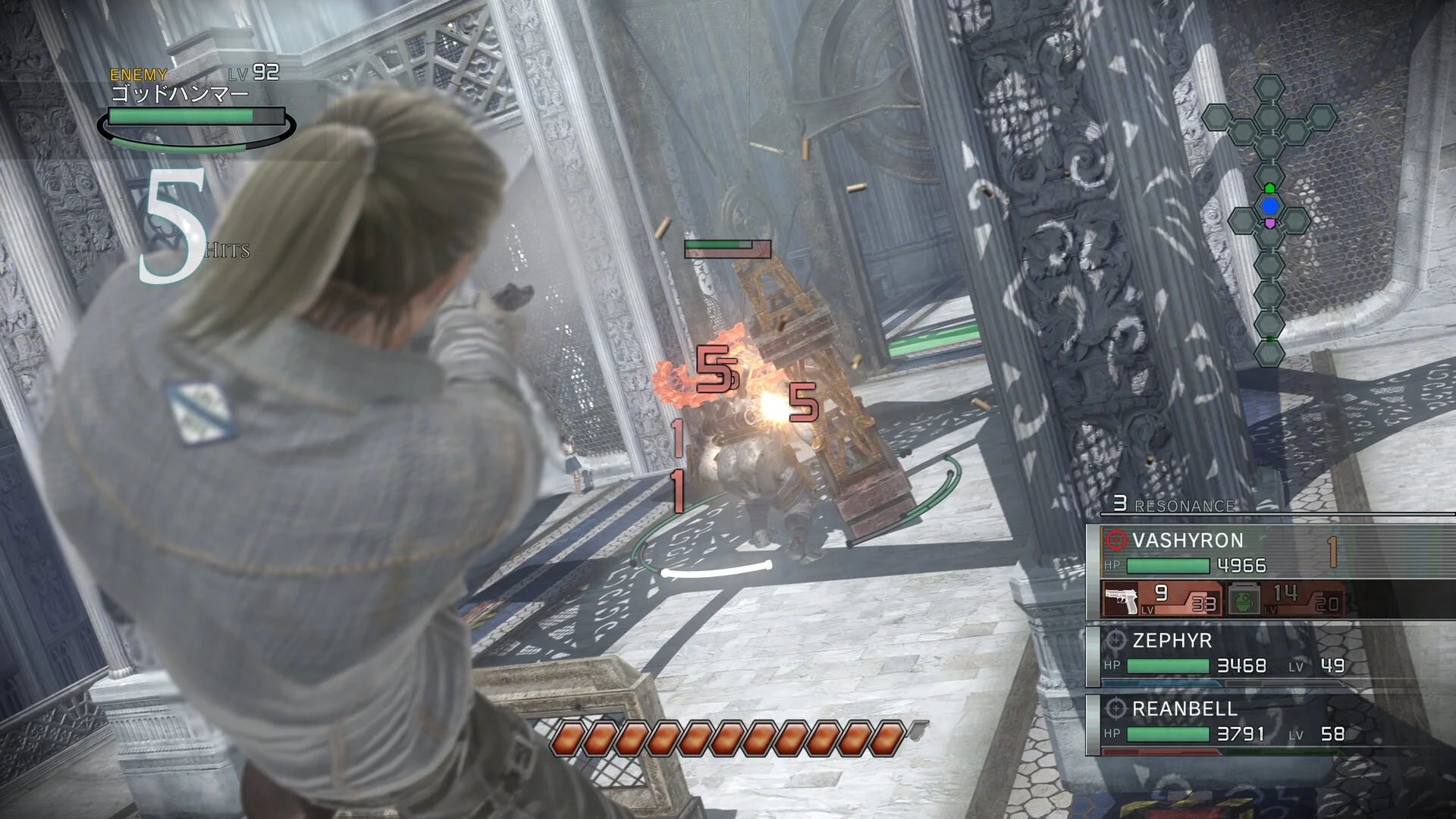
Resonance of Fate features a striking visual style that blends a steampunk aesthetic with a dystopian clockwork world. On the Steam Deck, you can generally expect smooth performance due to the hardware capabilities relative to the game's age.
- Framerate: The game can typically target a stable 60 frames per second, ensuring that the fast-paced, acrobatic gunplay feels responsive.
- Battery Life: Because the hardware demands are relatively modest compared to modern AAA releases, you can expect decent battery life during play sessions. Lowering the screen brightness or capping the frame rate via the Steam Deck’s Quick Access Menu can further extend playtime if needed.
- Resolution Scaling: Running at the native 1280x800 resolution of the Steam Deck screen keeps user interface elements crisp and legible without heavily taxing the GPU.
Controls and Configuration Tips
One of the highlights of playing Resonance of Fate on a handheld is the flexibility of the Steam Deck's control layout.
- Default Layouts: The game features native controller support that maps intuitively to the Steam Deck’s buttons, thumbsticks, and triggers.
- Community Layouts: If you prefer custom layouts—such as mapping specific Hero Actions or map shortcuts to the rear grip buttons—you can browse community-made controller configurations through the Steam Controller settings menu before launching the game.
- Audio and Cutscene Checks: Historically, some PC ports running through Proton occasionally encountered media codec hurdles affecting pre-rendered cutscenes. If you experience missing video playback or audio desync on a standard Proton version, switching to a specific Proton version (such as a recent stable release or Proton-GE via compatibility settings) can help resolve playback issues.
How to Verify Current Compatibility Before Playing
Because SteamOS and Proton receive frequent updates, performance parameters can evolve over time. If you want to confirm the exact current state of the game before downloading it to your handheld:
- Open Steam directly on your Steam Deck or in Desktop Mode.
- Search for Resonance of Fate™/End of Eternity™ 4K/HD Edition in the store.
- Check the Compatibility badge displayed on the game page for Valve's official testing notes.
- Consult community tracking tools like ProtonDB for recent player notes regarding specific Proton versions, launch tweaks, or save-sync behaviors if you transition between a desktop PC and your Steam Deck.
Next guides4
 Release
Resonance of Fate Enhanced Remaster Release Date: What We Know and What to Expect
PlatformsResonance of Fate Enhanced Remaster on PS5: What to Expect from tri-Ace's Cult Classic
PlatformsExploring Resonance of Fate Enhanced Remaster on PC
Platforms